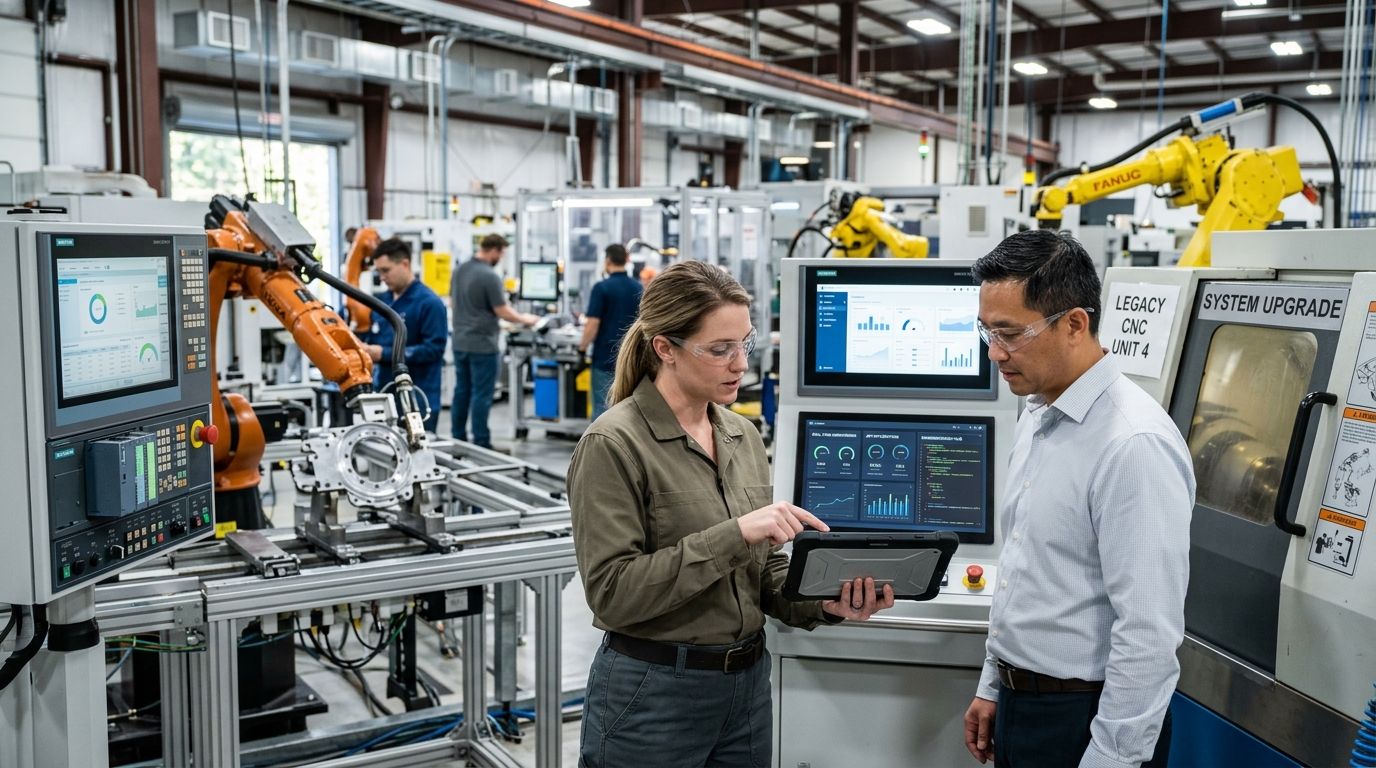
Legacy application modernization for manufacturing companies means rebuilding, refactoring, or replacing the plant-floor and back-office software that has run past its useful life — usually because it can no longer be patched, integrated, or scaled without risking production downtime. Manufacturers carry a specific version of this problem: MES, SCADA, and ERP systems sit on top of physical equipment that can't just be swapped out over a weekend, so modernization has to happen without stopping the line.
That constraint is what separates manufacturing modernization from a typical enterprise IT refresh. Knackforge works with manufacturers where the legacy system isn't just old code — it's the interface between a 15-year-old PLC and a production schedule that can't slip.
- Legacy application modernization services for manufacturing prioritize uptime-safe migration patterns over rip-and-replace approaches in 2026.
- Windows Server 2012 extended support ended October 2023 — plants still running it on MES or historian servers carry unpatched risk today.
- Rank applications by production risk, not age, before choosing a modernization pattern.
- Encapsulation with APIs is the fastest path to connect legacy MES data to modern analytics without a full rewrite.
- Knackforge pilots the highest-risk system first, not the easiest one, to prove the approach under real production load.
Why legacy modernization matters for manufacturing in 2026
Manufacturing IT stacks are layered by design. The ISA-95 model puts business planning (ERP) at the top and process control (PLCs, sensors) at the bottom, with MES and SCADA in between — and legacy systems tend to cluster in that middle layer, where they've been running unchanged since before mobile-first software existed.
That middle layer is also where support windows have quietly expired. Windows Server 2012 extended support ended in October 2023, SQL Server 2012 extended support ended in July 2022, and plenty of MES and historian servers are still running one or both in 2026. No security patches means every unaddressed vulnerability stays open indefinitely — and IEC 62443, the industrial automation cybersecurity standard, assumes patched systems as a baseline, not an aspiration.
The other pressure is data isolation. A legacy MES that can't export clean data blocks predictive maintenance, demand forecasting, and any AI initiative sitting downstream of it. Modernization isn't an IT line item here — it's the prerequisite for everything manufacturers want to do with their operations data in 2026.
How to modernize legacy applications in a manufacturing plant
Inventory every system running the plant floor
Start with a full list before touching anything. Most plants underestimate how many systems are actually load-bearing.
- List every application by function: MES, SCADA, historian, ERP, quality management, warehouse management.
- Note the OS, database version, and last patch date for each.
- Identify which systems have a single point of vendor support or none at all.
- Flag any system connected directly to a PLC or industrial controller.
- Record who currently owns each system internally — legacy tools often outlive the employee who understood them.
Map dependencies between OT and IT systems
A legacy application rarely stands alone. It feeds or is fed by two or three other systems, and modernizing it in isolation breaks something downstream.
- Trace every data flow in and out of each legacy application.
- Document integration methods: flat file transfer, direct database connection, custom API, or manual entry.
- Mark any integration that runs on a scheduled batch job rather than real time.
- Identify hard dependencies where a modernization change would require touching PLC firmware or controller logic.
Rank applications by risk, not age
The oldest system in the plant isn't necessarily the most dangerous one. Rank by what breaks if it fails, not by build date.
- Score each application on production impact if it goes offline for an hour.
- Score separately on security exposure — unpatched OS, exposed ports, no vendor support.
- Weight systems that touch safety-critical processes higher regardless of age.
- Deprioritize systems that are old but isolated, low-risk, and rarely touched.
This is the point where a manufacturer typically brings in outside modernization expertise — the internal team has the plant knowledge, but not always the bandwidth to run a structured risk assessment across dozens of systems while keeping production running. Knackforge builds this risk map as the first deliverable in a manufacturing engagement, before recommending any specific migration pattern.
Choose a modernization pattern per application
Not every legacy system needs the same treatment. Matching pattern to system avoids over-engineering low-risk tools and under-investing in the ones that matter.
- Encapsulate: wrap the legacy system with modern APIs so other tools can read its data without touching the core code.
- Rehost: move the application to modern infrastructure with minimal code changes — fastest, lowest disruption.
- Refactor: rewrite the codebase to remove technical debt while keeping the same functional footprint.
- Re-architect: redesign the application to run cloud-native, usually reserved for systems central to future AI or analytics plans.
- Retire: shut down applications that duplicate functionality already covered elsewhere.
Knackforge's AI agents for legacy code refactoring approach uses this pattern-matching step to scope refactor work before a single line of code changes, which keeps manufacturing clients from paying for a full re-architecture when encapsulation would do.
Pilot the highest-risk system first
Counterintuitive, but correct: prove the modernization approach on the system with the most to lose, not the easiest win.
- Choose one system from the top of the risk-ranked list, not the bottom.
- Set a rollback plan before the pilot starts, not after something breaks.
- Run the pilot in a staging environment mirroring production load where possible.
- Define success metrics upfront: uptime, data accuracy, integration latency.
Automate testing before you touch production code
Manual regression testing on a plant floor system is slow and misses edge cases that only show up under real shift patterns.
- Build automated test suites covering the legacy application's core functions before refactoring begins.
- Include integration tests for every OT-to-IT data flow identified earlier.
- Test failure scenarios, not just happy-path functionality.
- Run tests in a loop during the pilot, not as a one-time checkpoint.
Migrate data without freezing production schedules
Data migration is where most manufacturing modernization projects stall — nobody wants to schedule a production freeze to move a database.
- Migrate in parallel with the legacy system still live wherever the architecture allows it.
- Validate migrated data against the legacy source before cutover, not after.
- Schedule cutover windows around planned maintenance, not around IT convenience.
- Keep the legacy system running as a fallback for at least one full production cycle post-cutover.
Monitor and tune after go-live
Go-live isn't the finish line. The first 90 days after cutover surface the integration issues that testing didn't catch.
- Monitor data accuracy against the legacy system's historical output for the first production cycle.
- Track integration latency between the modernized system and connected OT devices.
- Log every manual workaround staff use post-cutover — those point to gaps in the new system.
- Review and retire the legacy fallback only after a full quarter of clean data.
Comparing modernization approaches for manufacturing systems
| Approach | Best for | Key limitation |
|---|---|---|
| Encapsulate with APIs | Getting legacy MES data into modern analytics fast | Legacy code and its risks stay in place underneath |
| Rehost (lift-and-shift) | Moving off unsupported OS versions quickly | Doesn't fix underlying architecture or technical debt |
| Refactor | Plants needing to keep functionality but cut technical debt | Longer timeline than rehosting, requires deep code review |
| Re-architect | Systems central to future AI or predictive maintenance work | Highest cost and longest timeline of the five options |
| Retire | Duplicate or unused legacy tools | Only works when functionality is genuinely covered elsewhere |
The verdict for most manufacturers in 2026: encapsulate first, refactor second, re-architect only where AI or predictive analytics depends on it. Rip-and-replace rarely survives contact with a running production line.
Get a legacy system risk assessment
Map which plant-floor applications carry the most modernization risk.
Common mistakes manufacturers make with legacy modernization
- Modernizing the easiest system first instead of the riskiest one. It feels productive but leaves the actual exposure — the unpatched historian server or the unsupported SCADA box — untouched for another budget cycle.
- Treating OT and IT modernization as separate projects. A legacy MES upgrade that ignores its PLC dependencies breaks the connection it was supposed to preserve.
- Skipping the dependency map to save time. Plants that go straight to a migration plan routinely discover a hidden batch job or manual data entry step mid-cutover.
- Assuming a full ERP replacement solves what an API layer would fix. Re-architecting a working system to get one data feed is expensive overkill when AI-based legacy application refactoring or encapsulation gets the same data out in weeks.
- Running the pilot on a low-risk, low-visibility system. It proves nothing about how the approach holds up under real production load, and the highest-risk systems stay unaddressed.
FAQ
What counts as a legacy application in manufacturing?
Any MES, SCADA, ERP, or historian system running on an unsupported OS, an outdated database, or code nobody currently maintains counts as legacy. Age alone doesn't define it — a five-year-old system with no vendor support is legacy; a 15-year-old system still patched and documented may not be.
How long does legacy application modernization take for a manufacturing plant?
Timelines depend on the modernization pattern chosen: API encapsulation can connect a legacy system to modern tools in weeks, while full re-architecture of a core MES or ERP typically runs several months to over a year. Risk-ranking systems upfront determines which timeline applies to which application.
Is it cheaper to modernize or replace a legacy MES system?
Encapsulating or refactoring an existing MES is almost always less disruptive and lower-risk than a full replacement, since replacement means re-validating every PLC and controller integration from scratch. Full replacement only makes sense when the legacy system can't support the data volume or integration patterns a manufacturer needs going forward.
Can legacy modernization happen without stopping production?
Yes, when data migration runs in parallel with the legacy system still live and cutover is scheduled around planned maintenance windows. Rehosting and encapsulation patterns are specifically chosen for manufacturing because they avoid production freezes that rip-and-replace projects often require.
What's the difference between application modernization and a full ERP replacement?
Modernization improves, wraps, or migrates an existing application without discarding its core logic, while a full ERP replacement swaps the entire system for a new platform. Manufacturing plants generally modernize first and replace only the systems that genuinely can't be salvaged.
Does Knackforge modernize AS/400 and mainframe manufacturing systems?
Knackforge assesses legacy manufacturing systems — including older AS/400 and mainframe-based platforms — for risk and recommends encapsulation, rehosting, refactoring, or re-architecture based on production impact and integration needs.
How much downtime should a manufacturer expect during modernization?
With a parallel migration approach and a fallback system kept live through the first production cycle, planned downtime is typically limited to a scheduled maintenance window rather than an extended freeze. Poorly planned rip-and-replace projects are where extended downtime actually happens.
What's the first step in a legacy modernization project for a factory?
Build a full inventory of every system touching the plant floor, including OS versions, patch status, and ownership, before selecting any modernization pattern. Skipping this step is the most common reason modernization projects stall mid-migration.
One last thing
The systems manufacturers worry least about — the quiet historian server nobody's touched since 2018, the MES box running an OS that stopped getting patches in 2023 — are usually the ones carrying the most exposure in 2026. Risk-rank before you modernize, not after something fails on a shift nobody was watching.


