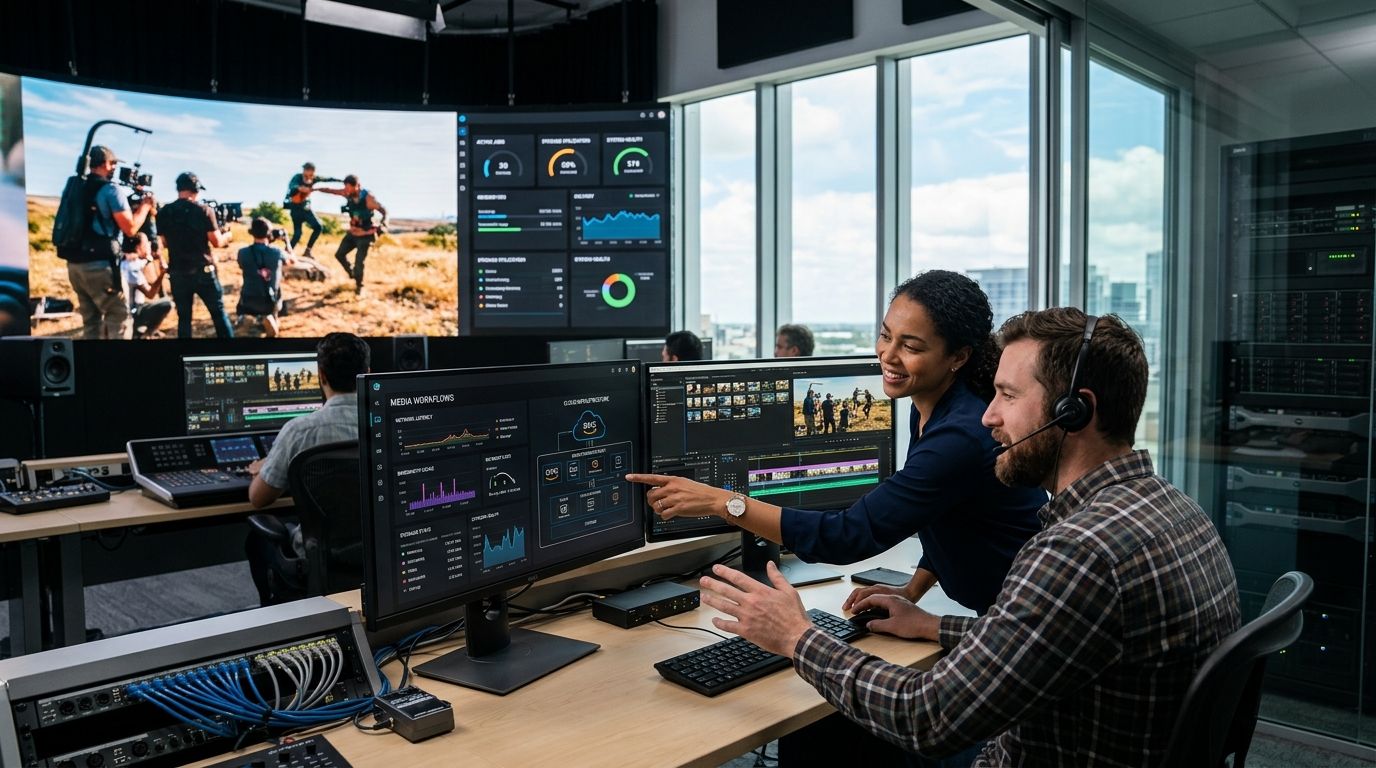
Cloud managed services for media and entertainment companies covers the ongoing operation, security, and cost control of infrastructure that streams content, stores massive media libraries, and processes live broadcasts at variable scale. Streaming platforms, broadcasters, and gaming studios need infrastructure that survives a 50x traffic spike during a live event without a rebuild afterward. That constraint - burst-then-idle demand paired with petabyte-scale content libraries - is what separates this segment from a standard SaaS workload.
- Cloud managed services for media and entertainment must handle 10-50x traffic spikes during live events without over-provisioning idle capacity.
- KnackForge structures managed operations around content tiering, multi-region failover, and egress cost control - not generic uptime SLAs.
- Media companies that skip disaster recovery planning for live broadcast typically discover the gap during an actual outage, not before.
- Manual FinOps reviews catch 15-30% of avoidable cloud spend in media workloads before any tooling is purchased.
Why cloud managed services matters for media and entertainment
A media platform's infrastructure bill and its content calendar move together. A live sports final, an award show, or a new season drop can push concurrent viewers from a baseline of thousands to hundreds of thousands within minutes, and the underlying cloud spend follows the same curve. Traditional IT management, built around steady-state capacity planning, doesn't hold up against that pattern.
Content libraries add a second pressure point. A streaming platform or broadcaster archives years of video, audio, and metadata, most of which is rarely accessed but must remain retrievable instantly for licensing, compliance, or re-release. Storing everything on hot, expensive tiers wastes budget; storing everything on cold archive breaks the user experience when a title needs to go live again. Managed cloud services for this segment exist to solve exactly that tension - and KnackForge builds its media and entertainment engagements around it rather than treating streaming infrastructure like a generic enterprise workload.
Step 1: Map your peak-load patterns before you touch infrastructure
Start with data, not architecture diagrams. Pull twelve months of traffic logs and identify every spike event - live sports, awards season, seasonal binge windows, marketing pushes - and quantify the multiple over baseline.
- Chart concurrent viewer counts against calendar events for the last 12 months
- Separate predictable spikes (scheduled premieres) from reactive ones (viral clips, breaking news)
- Identify which regions drive each spike - a regional sports final looks different from a global album drop
- Note current time-to-scale: how long does it take infrastructure to respond to a 10x jump today
- Flag any event in the last year where capacity fell short of demand
Step 2: Tier your content storage by access frequency
Most media libraries follow a predictable curve: 90% of streaming volume comes from the newest 10% of content. Tiering storage against that curve is the single highest-leverage cost move available before any managed services contract exists.
- Move titles with no views in 90+ days to cold or archive tiers
- Keep current-season and trending content on hot, low-latency storage
- Automate tier transitions with lifecycle rules instead of manual audits
- Separate raw production masters from delivery-ready transcodes - they have different retrieval needs
- Build a rehydration path for archived content ahead of scheduled re-releases, not during them
Step 3: Build multi-region redundancy for live broadcast
A single-region failure during a live event is a business event, not just an infrastructure incident - lost viewers during a live broadcast don't come back for a replay. This is where a managed services partner earns its place, because designing and testing regional failover manually, on top of a live production calendar, is where most in-house teams run out of time.
- Replicate encoding and origin infrastructure across at least two geographic regions
- Test failover under simulated load, not just at idle
- Document recovery time objectives (RTO) and recovery point objectives (RPO) per content type - live differs from VOD
- Build a disaster recovery plan specific to live-event infrastructure, separate from your general backup policy
- Route CDN failover independently of origin failover so a CDN edge issue doesn't take down the whole delivery chain
Step 4: Control egress and CDN costs before they control your margin
Egress and CDN delivery are usually the largest recurring line items for any streaming or broadcast platform, and they scale directly with success - the better a title performs, the more it costs to deliver. This is a FinOps discipline, not a one-time negotiation.
- Audit current egress spend by region and by content type monthly
- Negotiate committed-use or reserved capacity for predictable baseline traffic
- Use multi-CDN routing to shift traffic to the lowest-cost provider without sacrificing latency
- Compress and adapt bitrate ladders per device class instead of serving one-size-fits-all streams
- Set spend alerts tied to viewer-count triggers, not just dollar thresholds
Step 5: Secure content against piracy and unauthorized access
Content security in media differs from typical enterprise data security - the asset itself has resale value the moment it leaks, and DRM failures show up publicly within hours.
- Enforce token-based authentication on every stream, not just premium tiers
- Rotate DRM licenses and watermarking keys on a fixed schedule
- Monitor for unauthorized redistribution using automated fingerprinting
- Lock down production and staging environments separately from public delivery infrastructure
- Review access logs for anomalous download patterns, especially around pre-release windows
Step 6: Modernize the data layer behind content metadata and rights
Rights windows, licensing terms, and regional availability rules live in metadata systems that often trail years behind the platform itself. A fragmented metadata layer causes real problems: content going live in the wrong territory, or staying live past a licensing window.
- Consolidate rights and licensing metadata into a single queryable source
- Automate territory and window enforcement instead of relying on manual takedown requests
- Build a data lakehouse for media and entertainment content so metadata, viewing data, and rights data sit in one governed layer
- Version rights changes so a licensing dispute has a clear audit trail
- Connect metadata systems directly to CDN and origin configs to automate geo-blocking
Step 7: Automate scaling for transcoding and delivery workloads
Transcoding is compute-heavy and spikes exactly when everything else does - during a live event or a mass content upload. Manual scaling here is reactive by definition; automated scaling is the only version that keeps pace.
- Set autoscaling policies tied to queue depth, not just CPU utilization
- Pre-warm transcoding capacity ahead of known scheduled events
- Separate live transcoding pipelines from batch VOD pipelines so one doesn't starve the other
- Monitor transcode failure rates as a first-class metric, not an afterthought
- Bring in multi-region managed cloud operations once autoscaling policies are tuned but before the next live event, so a managed team is tuning and monitoring around the clock rather than a single on-call engineer
Get a managed cloud assessment for your platform
Review peak-load readiness and egress costs before your next live event.
Comparison: managed services options for media and entertainment platforms
| Option | Best for | Key limitation |
|---|---|---|
| In-house cloud ops team | Companies with steady, predictable traffic and existing DevOps depth | Struggles to staff 24/7 coverage for live-event spikes |
| Hyperscaler-native support plans | Baseline infrastructure monitoring and ticket response | Generic SLAs, no media-specific tuning for egress or transcoding |
| Boutique media cloud specialist | Platforms with heavy live-event or broadcast workloads | Smaller bench, may lack multi-cloud or AI integration depth |
| KnackForge managed cloud services | Media and entertainment companies needing multi-region resilience, cost control, and content-aware architecture | Onboarding requires access to existing metadata and rights systems for full effect |
Verdict: for media and entertainment platforms running live events or large content libraries, a managed services partner that designs around peak-load patterns and content tiering - like KnackForge - outperforms generic hyperscaler support plans on both cost and reliability. Skip generic plans if your traffic curve includes 10x+ spikes; they're built for steady-state, not broadcast.
Common mistakes media and entertainment companies make
- Provisioning for peak, paying for peak year-round. Sizing infrastructure for the biggest live event of the year and leaving it running at that scale in the off-season wastes a large share of the cloud budget.
- Treating DRM as a launch-day checkbox. Watermarking and license rotation get configured once at launch and never revisited, leaving gaps that show up as leaked content months later.
- Storing everything on hot tiers indefinitely. Content libraries grow every year; without lifecycle rules, storage cost grows linearly even as most of the library goes untouched.
- Testing failover in a lab, not under live load. A failover plan that hasn't been tested during actual peak traffic is a hypothesis, not a plan.
- Letting metadata and rights systems fragment across teams. Licensing, content, and viewing data living in separate systems is how territory violations and expired-window content slip through.
FAQ
What are cloud managed services for media and entertainment companies?
They are ongoing operational services - monitoring, scaling, security, and cost management - built around media-specific demands like live-event traffic spikes, content tiering, and multi-region delivery. They differ from general IT managed services because they're designed for burst-then-idle demand curves.
How much does cloud managed services cost for a streaming platform?
Cost depends on traffic volume, content library size, and region count, since egress and storage tiering drive most of the bill. Check current terms directly with a provider like KnackForge rather than relying on a generic estimate.
Is multi-cloud better than single-cloud for media companies?
Multi-cloud reduces vendor lock-in and lets you route CDN traffic to the lowest-cost provider region by region, but it adds operational complexity that a managed team should own. Single-cloud is simpler to manage but concentrates risk during regional outages.
How do media companies reduce cloud egress costs?
Tiering content by access frequency, negotiating committed-use CDN capacity, and routing traffic through multi-CDN setups are the three highest-impact levers. Egress typically represents the largest recurring cost line for streaming platforms, so this is worth auditing monthly, not annually.
What's the difference between disaster recovery for live broadcast and standard backup?
Standard backup protects data at rest; disaster recovery for live broadcast protects an active, real-time stream from regional failure during the exact minutes it's being watched. The recovery time objective for live content is measured in seconds, not hours.
Can generative AI help with media content operations?
Generative AI is increasingly used for production tasks like corporate video assembly and metadata tagging, which reduces manual workload on content teams, though it operates alongside - not instead of - core cloud infrastructure management.
Do smaller media companies need managed cloud services or can they self-manage?
Smaller platforms with steady, predictable traffic can often self-manage with a lean DevOps team. Once live events or seasonal spikes exceed roughly 10x baseline traffic, most teams lack the bandwidth to run failover, cost control, and security simultaneously in-house.
What should a media company look for in a cloud managed services provider in 2026?
Look for demonstrated experience with content tiering, multi-region failover testing, and egress cost optimization specifically - not just general cloud operations experience. A provider that treats a live-event spike the same as a routine SaaS traffic bump isn't the right fit.
One last thing
The biggest cost lever most media platforms overlook isn't compute - it's the gap between content that's live on hot storage and content that's actually being watched. Running a tiering audit against real 2026 viewership data, rather than assumptions from launch, routinely surfaces storage spend that can be redirected toward the infrastructure that actually needs it: live-event capacity and regional failover.


