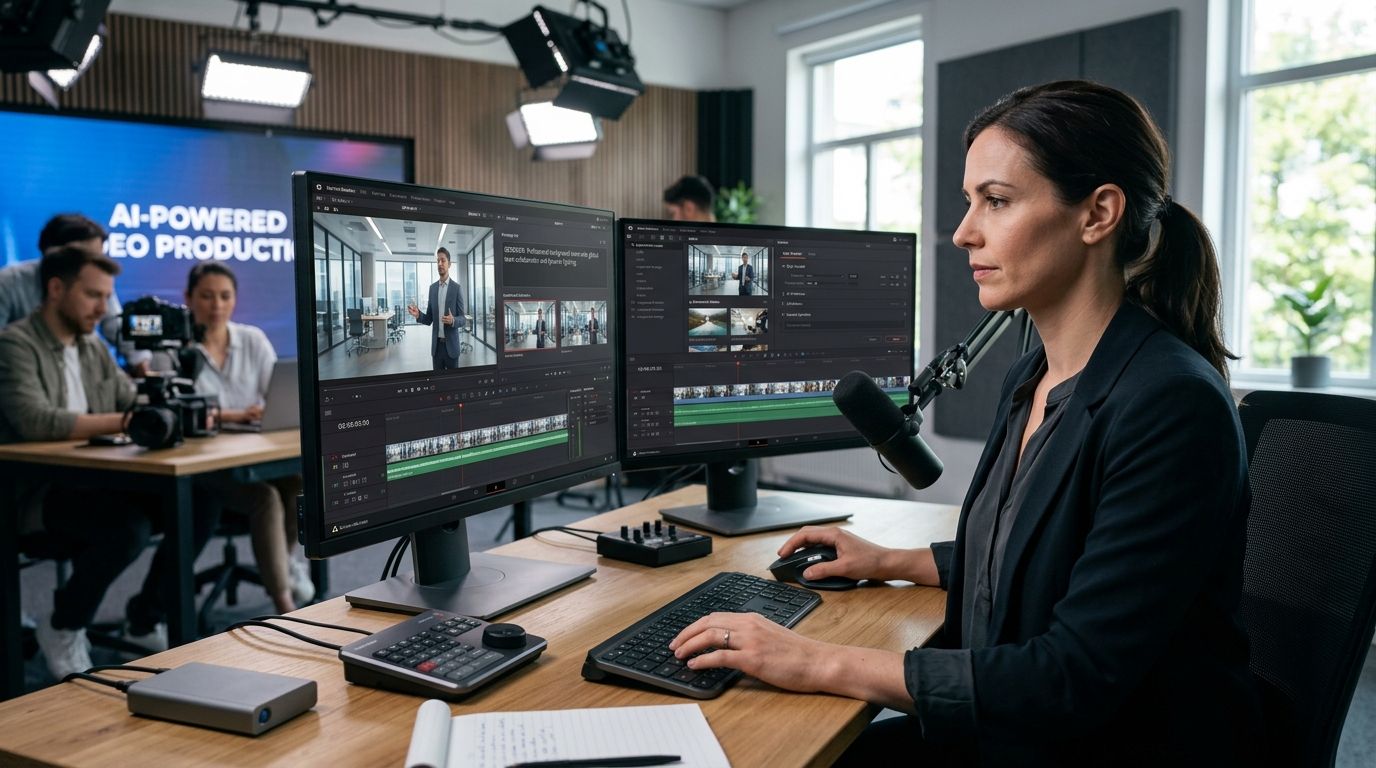
Generative AI for video production gives corporate communications and marketing teams a way to script, voice, and edit training, exec, and product-launch videos in-house instead of waiting weeks on an outside crew for every revision. Corporate video has different constraints than consumer or ad-agency video: brand guidelines are strict, legal has to sign off on scripts, and most requests are internal (an HR update, a sales enablement clip, a quarterly town hall) rather than public-facing campaigns.
- Generative AI for video production cuts revision cycles for corporate teams by moving scripting, voiceover, and rough-cut edits in-house before a vendor ever touches the file.
- KnackForge builds the governance layer (brand templates, approval routing, asset libraries) that generic AI video tools skip.
- Corporate video teams should start with script and voiceover automation in 2026, not full AI-generated footage — the ROI is faster there.
- A custom generative AI pipeline beats off-the-shelf tools once a team produces more than a handful of videos a month across regions or languages.
Why generative AI matters for corporate video teams
Corporate video teams don't struggle with creativity — they struggle with volume and approval loops. A single exec-comms video often goes through multiple script drafts, a legal review, a re-record because a stat changed, and a localized version for three or four regions. Every one of those touchpoints used to require a studio booking or an external editor.
Generative tools move the bottleneck from production capacity to review capacity, which is a fixable problem with the right workflow. Teams that own the script-to-rough-cut stage internally can turn a town hall recap around the same week it happens instead of the following month. That shift matters most for KnackForge clients running global workforces, where one video needs five language tracks before it ever reaches an employee's inbox.
Build your generative AI video workflow
Audit your current video production pipeline
Before any AI tool enters the picture, map where time actually goes. Most corporate teams find the delay isn't filming — it's everything around it.
- List every video type your team produces monthly (training, town hall, product demo, sales enablement)
- Time each stage: scripting, review, filming, editing, localization, approval
- Flag which stages require an external vendor versus an internal owner
- Note how many rounds of legal or brand review each video type typically needs
- Identify which videos get remade from scratch each quarter versus reused as templates
Script and storyboard with generative AI tools
Scripting is the cheapest place to start because it's text, not footage, and legal already reviews text. Use a large language model to draft first-pass scripts from a brief, then have your writer edit rather than write from a blank page.
- Feed the model your existing approved scripts so tone stays consistent
- Generate three script variants per brief and pick the strongest structure
- Draft storyboard shot lists alongside the script, not after it
- Build a prompt template per video type (town hall, onboarding, product launch) so output doesn't drift
- Keep a human editor as the final gate before anything goes to legal
Generate synthetic voiceover and localization tracks
Voiceover and translation are where corporate teams see the fastest payback in 2026, because re-recording a human narrator for every language and every script edit is the single biggest cost driver in most video budgets.
- Start with your source-language script and generate a synthetic narration pass
- Run the same script through translation before generating each localized voice track
- Match voice tone (formal vs. conversational) to video type, not to a single default voice
- QA every localized track against a native speaker before publishing
- Version-control voice files the same way you version scripts, so a script edit doesn't mean re-recording six languages by hand
Automate B-roll and visual assets
Generative video and image models can fill gaps that used to require stock footage licenses or a second camera crew day. This is also where brand risk climbs fastest, so this is the point where an outside partner starts to earn its keep rather than a step you skip on your own.
- Generate abstract or environment B-roll for transitions instead of licensing stock clips
- Use generative image tools for slide backgrounds and title cards instead of a designer for every deck
- Keep generated visuals off any shot involving real employees, logos, or proprietary environments until a governance review is in place
- Build a rejection log of generated assets that failed brand review, and feed it back into your prompt library
This is the stage where most in-house teams hit a wall: generic AI video tools produce assets fast, but nobody owns quality control or a reusable template library. KnackForge designs the generative AI development for marketing content production layer that sits between raw model output and your brand guidelines, so every generated clip passes through the same approval logic instead of a one-off review each time.
Build brand-safe templates and an approval layer
Ad hoc prompting doesn't scale past a handful of videos a month. Corporate teams that produce video weekly need a template system, not a prompt each time.
- Lock font, color, and lower-third templates into the generation pipeline itself
- Route every AI-assisted video through the same legal and brand checkpoint, regardless of how it was made
- Store approved prompt templates per video type so new team members don't start from zero
- Set a hard rule for what never gets AI-generated (executive likenesses, financial disclosures, regulated claims)
Integrate with your DAM and CMS pipeline
A generated video that lives on someone's laptop isn't a workflow — it's a bottleneck waiting to happen. Push output directly into the systems your team already uses to publish and archive.
- Auto-tag generated assets by video type, region, and approval status
- Connect your voiceover and script library to your digital asset management system
- Set retention rules so outdated localized versions get archived, not left live
- Track version history so a legal takedown request doesn't turn into a manual search
Measure production time and cost per video
Without a baseline, you can't tell if the tooling is working. Track the same metrics before and after adopting generative AI for video production.
- Time from brief to first draft script
- Time from script approval to publish-ready video
- Number of localized versions produced per source video
- Number of review rounds per video type
- Cost per finished minute, including any external vendor spend that remains
Teams without a scoped starting point often try to automate everything at once and stall. A scoped enterprise AI pilot covering one video type first gives you real numbers before you commit budget to the full pipeline.
Scope your video AI pilot
Map one video type end-to-end before committing budget across the whole pipeline.
Comparing your options in 2026
| Option | Best for | Key limitation |
|---|---|---|
| In-house team plus generic AI tools (script and voice generators) | Teams producing under 5 videos a month | No governance layer; brand risk grows with volume |
| No-code AI video generators (avatar-based tools) | Quick internal updates and training clips | Limited customization for broadcast-style exec videos |
| Fully manual production (traditional crew) | High-stakes launch videos needing live footage | Slowest turnaround, highest cost per revision |
| Custom generative AI pipeline built with a partner | Teams producing weekly video across regions or languages | Requires upfront scoping and a real pilot before scale |
Verdict: KnackForge is the right fit for corporate video teams producing weekly video in multiple languages who need a governed generative AI pipeline, not another standalone tool. Teams under that volume should start with generic tools in 2026 and revisit the build decision once output climbs.
“Fix scripting and voiceover first — AI-generated footage is the flashy part, but review cycles are where corporate video actually loses weeks.”
Common mistakes corporate video teams make
- Automating footage before scripting. Teams jump straight to AI-generated clips when the real time sink is script approval and voiceover re-records — fix the cheap part first.
- Skipping the legal checkpoint for AI-assisted drafts. A script that came from a language model still needs the same review as one written by hand; treating it as already approved creates compliance gaps.
- No version control on localized voice tracks. A script edit that doesn't trigger a re-record of every language version means employees in different regions see contradictory content.
- Letting generated B-roll touch real logos or employee likenesses without review. Brand and legal risk from generative visuals is highest exactly where teams are least careful.
- Treating a pilot as a full rollout. One successful video through a new AI workflow doesn't mean the pipeline handles fifty a quarter; scale in stages and measure at each one.
FAQ
What is generative AI for video production?
Generative AI for video production uses AI models to draft scripts, generate synthetic voiceover, translate and localize audio, and create supporting visuals like B-roll or title cards. For corporate teams it mainly speeds up the script-to-rough-cut stage rather than replacing filmed footage entirely.
Is generative AI good enough for corporate video in 2026?
Yes for scripting, voiceover, localization, and B-roll generation — these are production-ready in 2026. Fully AI-generated executive likenesses and regulated financial content still need a human-recorded original plus careful review.
How much does generative AI video production cost?
Cost depends on tool choice and volume; no-code generators typically charge per seat or per minute generated, while a custom pipeline is a project-based build. Check current pricing directly with each vendor before comparing options.
Do AI-generated corporate videos need legal review?
Yes, every AI-assisted script or voiceover should pass the same legal and brand checkpoint as human-made video. Skipping review because content is AI-generated is the most common compliance gap corporate teams create.
Can generative AI handle multi-language corporate video?
Yes, and this is one of the strongest use cases — a single source script can produce synthetic voiceover tracks in multiple languages without re-booking a narrator. Native-speaker QA is still required before publishing each track.
What's the difference between no-code AI video tools and a custom pipeline?
No-code tools work for quick internal updates and training clips but limit customization for polished exec or launch videos. A custom generative AI pipeline adds a governance and template layer that scales across regions and video types.
How do corporate teams measure ROI on generative AI video tools?
Track time from brief to first draft, time from approval to publish-ready video, number of review rounds, and cost per finished minute before and after adoption. A scoped pilot on one video type gives a clean baseline before wider rollout.
Which corporate video type should you automate first?
Start with recurring internal video such as onboarding or town hall recaps, because the format repeats and the brand risk is contained. Save public launch video for after templates and approval routing are proven.
One last thing
The teams getting the most out of generative AI for video production in 2026 aren't chasing fully AI-generated footage — they fixed scripting and voiceover first, because that's where corporate video loses weeks to review cycles rather than to camera work. Build the governance layer before you scale generation volume, or the brand risk that used to live in a rogue slide deck ends up living in a rogue AI-generated video clip instead.


