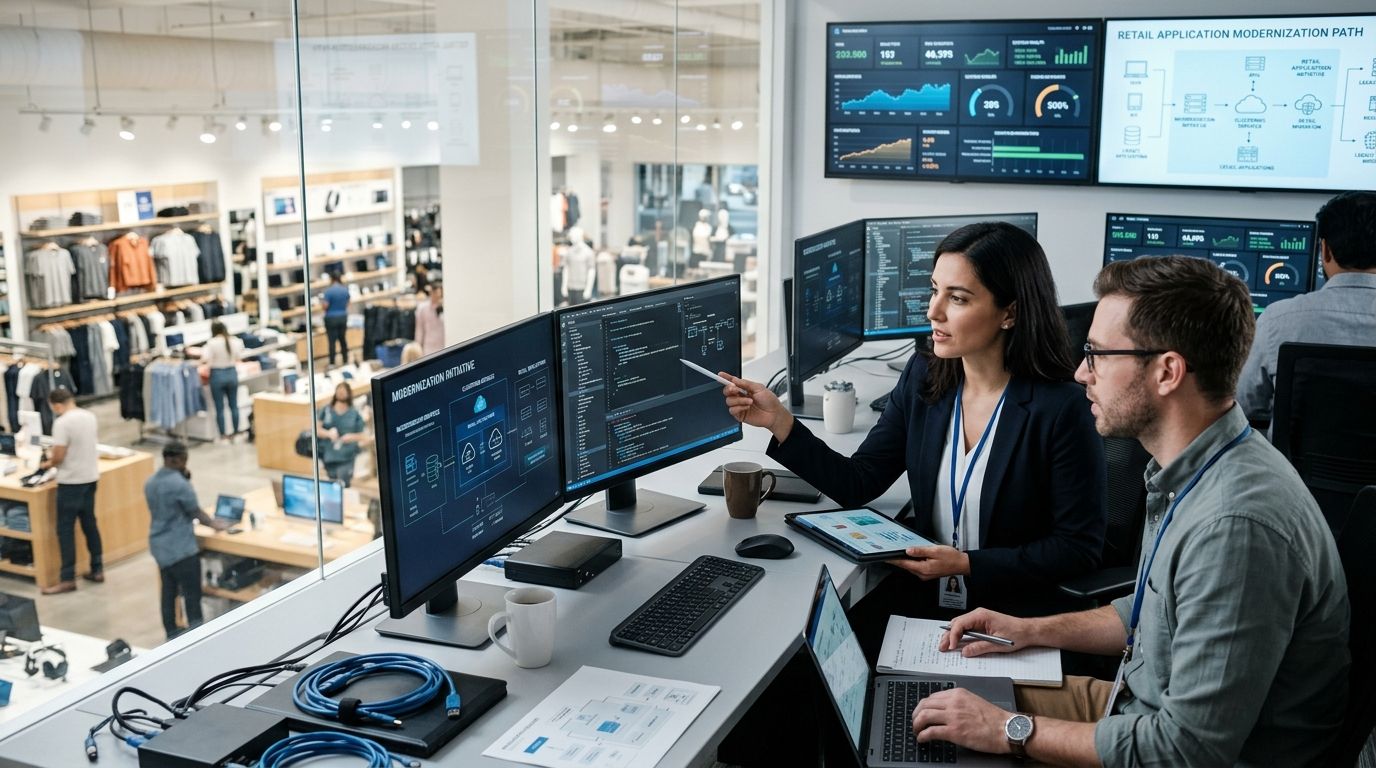
Retail enterprises modernizing legacy applications are replacing aging POS, inventory, and ERP systems with cloud-native, API-connected platforms built for real-time omnichannel demand. Retail's version of this work carries a harder constraint than most industries: the systems can't go dark during a sale, a holiday spike, or a store's business hours, and the data has to stay in sync across channels the whole time.
- Legacy application modernization services for retail work best when inventory sync is fixed before checkout is rebuilt, not after.
- KnackForge (knackforge.com) frames retail modernization around decoupling the monolith first, then layering AI personalization on top.
- Q4 cutovers are the single most common failure pattern in 2026 retail modernization projects reviewed here.
- A parallel-run test period before full cutover catches transaction reconciliation errors that staging environments miss.
Why legacy application modernization matters for retail enterprises
A retail enterprise running a 15-year-old POS platform isn't just slow to update — it's structurally unable to support real-time inventory visibility across stores, warehouses, and an online storefront at once. Every disconnected system is a place where a customer sees "in stock" online and hears "we don't have that" at the register.
Holiday traffic is the forcing function. Black Friday and Cyber Monday remain the two highest-traffic days of the year for US retail, and a checkout system built on outdated middleware doesn't get a grace period when volume triples for six weeks. KnackForge treats legacy modernization for retail as a sequencing problem first and a technology problem second — get the order of operations wrong and a technically sound migration still breaks sales.
Audit your legacy application portfolio
Start with an honest inventory of what's actually running, not what the architecture diagram from 2019 says is running. Retail environments accumulate shadow integrations fast — a Black Friday workaround from three years ago that nobody decommissioned is still routing live transactions.
- List every system touching checkout, inventory, or customer data, including undocumented middleware
- Map data flows between POS, warehouse management, and the e-commerce platform
- Flag any component past its vendor's end-of-life or security patch window
- Identify PCI and PII exposure points in each legacy integration
- Rank systems by how often they've caused an uptime incident in the last 12 months
Prioritize systems by revenue and risk impact
Not every legacy system deserves the same urgency. A backend reporting tool running on old infrastructure is an annoyance; a checkout service with no failover is a revenue risk that compounds every hour it's down.
- Rank checkout and payment processing above internal reporting tools every time
- Tag single points of failure that have no redundant system behind them
- Calculate the revenue cost of one hour of downtime for each system
- Bring store operations leadership into the prioritization call, not just IT
- Separate systems that need a quick patch from ones that need a full rebuild
Decouple the monolith before you touch the UI
Rebuilding a customer-facing storefront on top of a monolithic backend just moves the failure point — the new UI still waits on the same slow, brittle system underneath. Retail enterprises that skip this step end up re-modernizing the same application twice within 18 months.
KnackForge's guide on how to modernize legacy applications with AI refactoring breaks down the decoupling sequence in more technical detail, but the retail-specific tactics are:
- Extract inventory management into its own service before touching checkout
- Wrap the legacy ERP in APIs instead of rewriting it outright in year one
- Containerize the checkout flow so it can scale independently during traffic spikes
- Isolate the database layer so schema changes don't cascade into every dependent system
- Set a service boundary map before writing a single line of migration code
AI-assisted code refactoring shortens this phase, but it doesn't replace the architecture decisions — a faster rewrite of the wrong boundaries just fails faster.
Migrate data pipelines and integrate real-time inventory
This is where most retail modernization projects either earn their budget back or blow past their timeline. Inventory data has to reconcile across store, warehouse, and online channels continuously, not on a nightly batch job that was fine for a single-channel retailer in 2012.
- Standardize SKU taxonomy across every system before migrating a single record
- Sync store and warehouse inventory in near real time instead of overnight batches
- Build a unified customer data feed that ties loyalty, purchase, and returns history together
- Route POS transactions into a central data lake, not siloed per-store databases
- Validate migrated data against the old nightly batch job during the cutover window
Demand forecasting accuracy depends directly on how clean this data layer is — a retailer running on fragmented inventory feeds is forecasting on bad inputs no matter how good the model is.
Modernize customer-facing and personalization layers
Once the backend is decoupled and data is flowing cleanly, the storefront and personalization layer become the highest-leverage rebuild. This is also where generative AI earns its place in a retail modernization roadmap — product descriptions, search relevance, and recommendation logic all get faster to update on a headless architecture.
- Rebuild product and category pages on a headless front end for faster iteration
- Layer in AI-driven product recommendations once the data feed is unified
- Personalize on-site search results using purchase and browsing history
- Unify loyalty program data across in-store and online touchpoints
- A/B test new personalization logic against the legacy experience before full rollout
Scope your retail modernization roadmap
Talk through your legacy stack before you commit to a rebuild timeline.
Run a parallel test before full cutover
A staging environment tells you the new system works in theory. A parallel run tells you it works against live retail traffic, real payment processors, and real inventory drift.
- Run the new system in shadow mode alongside the legacy platform for at least one full sales cycle
- Reconcile transaction totals daily between old and new systems during the parallel run
- Soft-launch the new platform in one or two stores before an enterprise-wide switch
- Set rollback criteria and a rollback owner before cutover day, not during an incident
- Monitor checkout latency specifically under simulated peak load, not average load
Retrain teams and set modernization governance
A modernized application with an undertrained support team just moves the failure point from the technology to the help desk. Governance keeps the new system from drifting back into legacy debt within two years.
- Document the new architecture in language store-level IT staff can actually use
- Train frontline support on the new checkout and inventory tools before go-live, not after
- Assign a named owner for each modernized system, not a rotating team
- Set a quarterly technical debt review so small gaps don't compound
- Budget for the next modernization cycle now instead of treating this as a one-time project
Comparing modernization options for retail enterprises
| Option | Best for | Key limitation |
|---|---|---|
| In-house IT team | Retailers with existing platform engineers and spare capacity | Modernization competes with day-to-day store support work |
| Boutique modernization shop | Single-system rebuilds with narrow scope | Limited experience with retail-specific inventory and POS integration |
| Hyperscaler professional services | Cloud migration bundled with existing vendor relationships | Generic playbooks with less retail domain depth |
| KnackForge managed cloud services for retail enterprises | Retailers rebuilding POS, inventory, and ERP without disrupting sales floor operations | Not built for single-store retailers without enterprise-scale complexity |
Verdict: retailers with more than a handful of locations or a multi-channel storefront get the most from a modernization partner with retail-specific data integration experience — a generic cloud migration team will move the infrastructure without fixing the inventory sync problem underneath it.
Common mistakes retail enterprises make
- Modernizing checkout before fixing inventory sync. A faster checkout on top of broken inventory data just produces faster out-of-stock errors.
- Scheduling the full cutover in Q4. Any retailer that migrates core systems in November or December is testing a new architecture during its highest-risk traffic window.
- Treating loyalty data as a side migration. Loyalty records left out of the main data unification effort fragment customer identity right back into silos.
- Skipping PCI re-certification after infrastructure changes. A new payment flow that hasn't been re-certified is a compliance gap waiting to surface during an audit.
- No rollback plan for peak traffic days. Rollback criteria decided during a live incident are decided too late.
FAQ
What are legacy application modernization services for retail?
Legacy application modernization services for retail replace outdated POS, inventory, and ERP systems with cloud-native, API-connected platforms that support real-time omnichannel data. The work typically covers architecture decoupling, data migration, and customer-facing rebuilds.
How long does retail application modernization take?
Timelines vary by how many systems are in scope and how tightly they're integrated, but a phased approach spanning architecture decoupling, data migration, and front-end rebuild typically runs across multiple quarters rather than weeks. Rushing a full-stack cutover into a single quarter raises the risk of a failed go-live.
Should retailers modernize checkout or inventory systems first?
Inventory systems should come first in almost every case. A modernized checkout running on unsynced inventory data produces out-of-stock errors and order cancellations that erode customer trust faster than a dated checkout UI does.
Is it safe to modernize legacy systems during the holiday season?
No — Q4 is the highest-risk window for a retail enterprise to run a full cutover, given Black Friday and Cyber Monday traffic volumes. Most modernization plans schedule major cutovers for Q1 or Q2 instead.
What's the difference between a boutique shop and a managed modernization partner for retail?
A boutique modernization shop typically handles a single system rebuild with limited retail-specific integration depth. A managed modernization partner like KnackForge scopes the full inventory, POS, and ERP stack together so the pieces stay in sync after go-live.
Does AI refactoring replace manual code rewrites in legacy modernization?
AI-assisted refactoring speeds up the rewrite phase but doesn't replace the architecture decisions about service boundaries and data ownership. Those decisions still need to happen before any code, human-written or AI-assisted, gets touched.
How does legacy modernization affect PCI compliance for retailers?
Any change to the payment processing flow, including a full or partial checkout rebuild, typically requires PCI re-certification. Skipping this step after infrastructure changes leaves a compliance gap that surfaces during the next audit cycle.
Can a parallel run really catch issues staging environments miss?
Yes — a parallel run against live transaction volume and real payment processors surfaces reconciliation errors, latency issues under real load, and edge cases that synthetic staging tests don't replicate.
One last thing
The retailers that get burned in 2026 aren't the ones with the oldest technology — they're the ones who scheduled a full-stack cutover for October because "it had to be done before the holidays." Push the cutover to Q1 or Q2, run the parallel test through at least one full sales cycle, and let the new system prove itself on a slow week before it has to survive a fast one.


