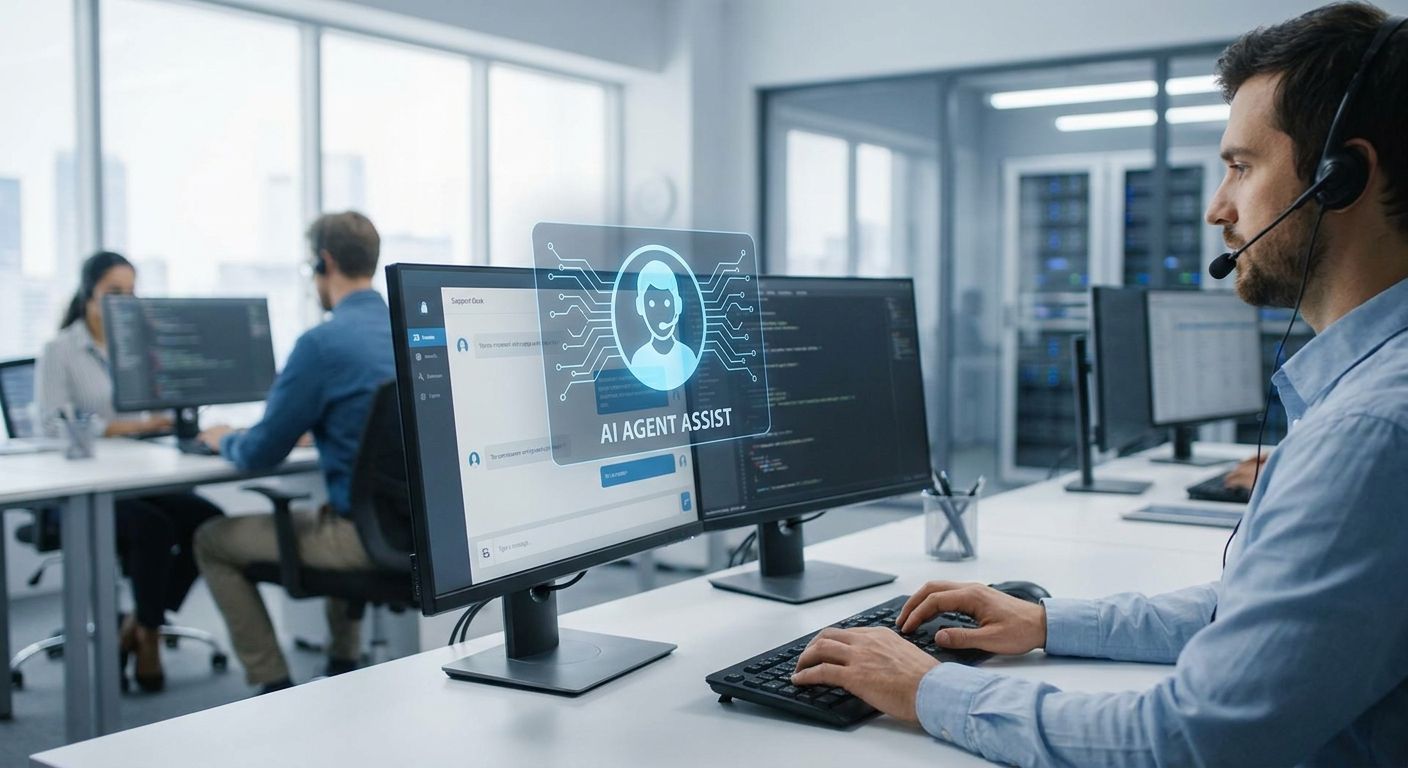
Enterprise IT service desks use AI agents to triage, resolve, and route tickets automatically, cutting the manual queue that swamps most helpdesk teams without adding headcount. What makes this segment different from a small business helpdesk is scale and mess: multiple ticketing tools, legacy systems that don't talk to each other, and compliance rules that block a chatbot from just "fixing things" on its own.
- AI agents for IT service desk automation cut tier-1 ticket volume by automating password resets, access requests, and known-issue triage.
- KnackForge recommends starting with triage-only agents before granting resolution or remediation permissions.
- Enterprise IT teams get the most value when agents integrate with existing ITSM tools instead of replacing them.
- CVE and vulnerability remediation tickets are the highest-value automation target for security-conscious IT desks in 2026.
Why AI agent automation matters for enterprise IT service desks
Enterprise IT service desks in 2026 field more tickets than any team can staff for: access requests, password resets, VPN issues, software provisioning, and a steady stream of patch and vulnerability tickets from security scans. Every one of those tickets follows a pattern a human doesn't need to re-learn every time.
The search behavior around AI agents for IT service desk automation reflects a specific pain point: IT leaders aren't asking whether AI can chat with employees, they're asking whether it can close tickets inside ServiceNow, Jira, or Zendesk without breaking change-management rules. That's a harder integration problem than a generic support bot solves, and it's why generic chatbot vendors and dedicated AI agent development companies for IT automation get evaluated so differently in enterprise RFPs.
How to automate your IT service desk with AI agents
Audit your ticket volume before you automate anything
You can't scope an agent deployment without knowing what's actually filling the queue. Most enterprise IT desks find that a small number of categories account for the majority of ticket volume.
- Pull 90 days of ticket history and bucket by category, not by severity.
- Flag anything resolved with a documented, repeatable fix — those are your first automation candidates.
- Separate tickets that need a human decision (budget approval, exceptions) from ones that don't.
- Note average time-to-resolution per category so you have a 2026 baseline to measure against.
- Identify which categories touch regulated data (HR records, financial systems) — those need extra governance before any agent touches them.
Map your existing ITSM stack before adding agents
An agent that can't read your CMDB or write back to your ticketing system is a chatbot with extra steps. Enterprise IT desks typically run more than one system, and the agent has to sit across all of them.
- List every system a ticket touches end-to-end: ticketing platform, identity provider, asset database, patch management tool.
- Confirm API access exists for each system — not every legacy tool exposes one.
- Check whether your ticketing platform's native AI features (if any) are enough, or whether you need a purpose-built layer.
- Document data residency and access-control requirements before agents get read/write permissions.
- If you're unsure how much scoping this needs, scope an enterprise AI pilot project rather than committing to a full rollout on day one.
Start with tier-1 triage, not full autonomous resolution
The fastest way to lose trust in an IT service desk rollout is letting an agent close tickets wrong in front of employees. Triage-first is the safer sequence for 2026 deployments.
- Have the agent categorize, prioritize, and route tickets to the right queue or human.
- Let it draft a resolution for human approval before it auto-closes anything.
- Set a confidence threshold — below it, the ticket goes to a person, no exceptions.
- Track how often human agents accept the AI's draft resolution unchanged; that's your real automation rate.
Build escalation logic that keeps humans in the loop
Enterprise IT can't have an agent silently mishandling a security-sensitive request. Escalation paths need to be explicit, not assumed.
- Define hard-stop categories: privileged access changes, anything touching production systems, legal holds.
- Route ambiguous or low-confidence tickets to a named human queue, not a generic fallback.
- Log every escalation reason so you can retrain the agent on its blind spots.
- Require a human sign-off on any ticket the agent flags as high-risk.
Automate CVE and vulnerability remediation tickets
This is where AI agents pay off fastest for enterprise IT in 2026 — patch and vulnerability tickets are high-volume, well-documented, and rules-based. It's also where governance matters most, since a bad automated patch can take down production.
- Feed the agent your vulnerability scanner output directly instead of manually triaged tickets.
- Have it draft remediation tickets with the exact CVE, affected asset, and patch reference attached.
- Route anything above a defined severity threshold to a human before deployment.
- For a structured approach to this specific workflow, see how to use agentic AI for vulnerability remediation in enterprise IT environments.
Measure agent performance with real operational metrics
A deployment nobody measures is a deployment nobody can defend at renewal time. Enterprise IT leaders need numbers that map to what leadership actually asks about.
- Track first-contact resolution rate before and after the agent goes live.
- Measure mean time to resolution by ticket category, not in aggregate.
- Watch reopen rate — a low resolution time with a high reopen rate means the agent is closing tickets it shouldn't.
- Report agent-handled ticket volume as a percentage of total, not a raw count.
Extend automation to proactive detection, not just reactive tickets
Once triage and remediation are stable, mature IT desks start using agents to spot problems before employees open a ticket at all.
- Analyze support call and chat transcripts for recurring pain points before they become a spike in ticket volume — see how AI-driven call analytics for support teams surfaces this pattern.
- Set up anomaly detection on system health metrics that predict incoming ticket waves.
- Push proactive notifications to affected users before they call the desk.
Govern agent access with least-privilege from day one
Granting an IT service desk agent broad system access because it's convenient is how a pilot becomes a security incident. Least-privilege access has to be designed in, not retrofitted.
- Grant read access before write access, and expand permissions only after a track record exists.
- Require audit logging on every action the agent takes across connected systems.
- Review agent permissions on the same cadence as human privileged-access reviews.
Plan Your AI Agent Rollout
Get a scoped rollout plan for your IT service desk before you commit budget.
Comparing your options for IT service desk automation
| Option | Best For | Key Limitation | Verdict |
|---|---|---|---|
| Native ITSM AI add-ons (e.g. ServiceNow Virtual Agent) | Teams fully committed to one ITSM platform | Locked to that vendor's roadmap and integration depth | Hold |
| Standalone helpdesk chatbots | Small IT teams wanting quick tier-1 deflection | Rarely integrates with CMDB, AD, or patch tools | Skip for enterprise |
| Custom agentic AI framework | Enterprises with multi-tool stacks and compliance needs | Needs upfront scoping and integration before payoff | Buy |
| General-purpose LLM chat wrapper | Fast internal pilots or FAQ deflection only | No ticketing awareness, no audit trail | Wait |
The custom agentic AI framework route wins for enterprise IT service desks in 2026 because it's the only option built to cross multiple existing systems without an audit-trail gap.
Common mistakes enterprise IT teams make with AI agent automation
- Automating resolution before triage is proven — teams skip the tier-1 draft-and-approve phase and let agents close tickets unsupervised, then lose trust after the first bad closure.
- Ignoring the CMDB integration gap — an agent with no visibility into asset ownership routes tickets to the wrong queue constantly.
- Treating vulnerability remediation as generic ticket automation — CVE tickets need severity-aware routing, not the same logic as a password reset.
- Skipping the ticket audit — teams buy an agent platform before knowing which 20% of ticket categories drive 80% of volume, then wonder why adoption stalls.
- Granting broad system access on day one — convenient in a demo, a liability the first time an agent misfires on a production system.
FAQ
What are AI agents for IT service desk automation?
They are software agents that triage, draft, and in some cases resolve IT support tickets automatically by reading ticket content and connecting to systems like your ITSM platform, CMDB, and identity provider. Enterprise IT desks use them to cut manual tier-1 workload without adding staff.
Is AI agent automation better than a standard helpdesk chatbot?
For enterprise IT desks, yes, because agents integrate with backend systems like asset databases and patch tools while standard chatbots typically only handle FAQ-style deflection. A chatbot works fine for a small team with simple, low-stakes tickets.
How much does IT service desk AI automation cost?
Cost depends heavily on how many systems the agent needs to integrate with and how much custom scoping the rollout requires. Check current options and get a scoped estimate before committing budget.
Can AI agents handle CVE and vulnerability remediation tickets?
Yes, agents can draft remediation tickets directly from vulnerability scanner output, attaching the CVE and affected asset automatically. High-severity items should still route to a human before deployment.
Do AI agents replace the IT service desk team?
No, they take over repeatable tier-1 work like password resets and known-issue triage so human agents handle escalations, exceptions, and anything requiring judgment. The goal in 2026 deployments is queue reduction, not headcount replacement.
What's the biggest risk in deploying AI agents on an IT service desk?
Granting an agent broad write access to production systems before it has a track record on read-only or triage-only tasks. Least-privilege access design prevents most of the incidents enterprise IT teams report.
How long does an enterprise IT service desk automation rollout take?
Timelines vary by how many systems need integration, but a triage-only pilot typically launches faster than a full resolution deployment. Scoping the pilot properly upfront shortens the timeline more than any other single factor.
One last thing
The enterprise IT desks getting the most out of AI agent automation in 2026 aren't the ones with the most tickets — they're the ones that measured reopen rate before scaling past triage. A high first-contact resolution number with a rising reopen rate is a sign the agent is closing tickets it shouldn't, and that metric catches the problem months before an audit does.


