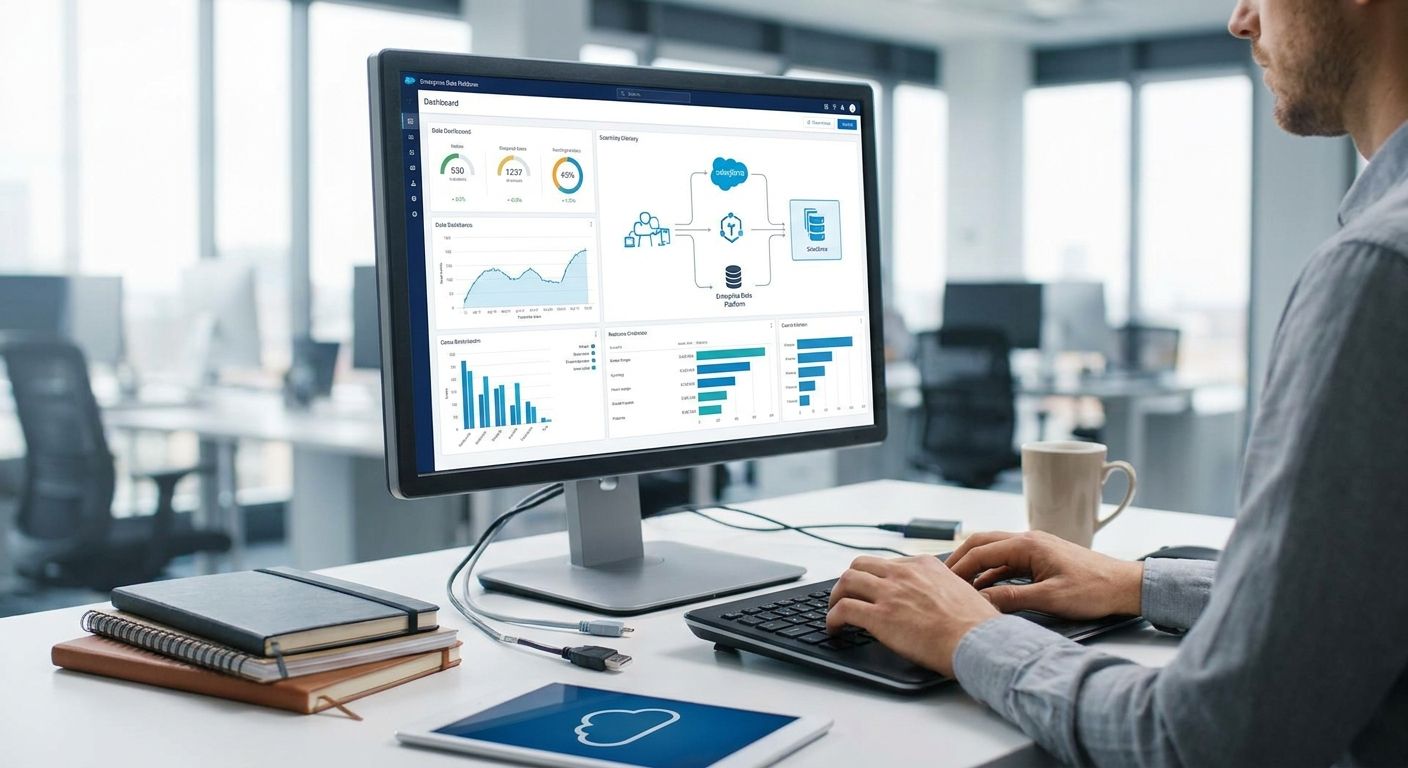
Integrating Salesforce with an enterprise data platform comes down to picking one of four sync patterns — REST/Bulk API calls, iPaaS middleware, ETL/ELT pipelines, or event-driven Change Data Capture — and matching it to how fresh your data actually needs to be. Get that match wrong and you either overpay for real-time infrastructure nobody needs or starve your analytics team with stale batch loads.
- Integrate Salesforce with enterprise data platforms via REST/Bulk API, iPaaS, ETL/ELT, or event-driven CDC based on freshness needs.
- Bulk API 2.0 moves up to 10,000 records per batch — built for nightly loads, not real-time sync.
- iPaaS tools like MuleSoft, Boomi, or Workato cut custom code but add per-flow licensing overhead.
- Event-driven CDC via Salesforce Platform Events fits churn alerts and fraud checks that can't wait for a batch job.
- Object model mismatches, not API limits, cause most integration failures in 2026 enterprise projects.
Why this matters
Salesforce holds the system-of-record data — accounts, opportunities, cases, activity history — but the analytics and AI work that runs on top of it happens somewhere else: Snowflake, Databricks, BigQuery. When those two worlds don't sync cleanly, sales forecasts lag, churn models train on stale features, and support teams work from a different truth than finance.
By 2026, most enterprises running AI initiatives on customer data have already hit this wall at least once. The fix isn't a bigger API limit — it's picking the right integration pattern for the job and building Knackforge's kind of integration layer that respects both systems' object models instead of forcing a lowest-common-denominator schema.
How to integrate Salesforce with enterprise data platforms
Four patterns cover almost every real-world integration. The table below compares them on the two variables that actually decide which one you need: latency and setup effort.
| Method | Latency | Best for | Setup effort |
|---|---|---|---|
| REST/SOAP API | Seconds, low volume | Single-record sync, app triggers | Low-Medium |
| Bulk API 2.0 | Minutes to hours (batch) | Nightly warehouse loads, up to 10,000 records/batch | Medium |
| iPaaS middleware | Minutes | Multi-system orchestration, non-technical maintenance | Medium-High |
| Event-driven CDC | Near real time (seconds) | Fraud alerts, churn scoring, live dashboards | High |
The quotable verdict: if your Salesforce data lags your warehouse by more than a day, you're integrating on batch, not real time — and that's fine for reporting but wrong for anything that triggers an automated decision.
REST and Bulk API integration: direct connections to your data platform
Salesforce's REST API handles single-record reads and writes in real time — think a form submission that creates a Lead, or a support ticket that updates a Case status. It's fast, but it's not built to move volume.
Bulk API 2.0 is the answer for volume. It processes records in batches of up to 10,000 per batch, which makes it the standard choice for nightly extracts of Accounts, Opportunities, and Contacts into a warehouse. Authentication runs through OAuth 2.0 connected apps, and every org has a daily API call cap that resets on a rolling 24-hour window — plan batch jobs around that ceiling, not around convenience.
Pros: no middleware licensing, full control over the payload, works with any language that can make an HTTP call. Cons: you own every schema change, every retry, every error log. Verdict: Buy this approach if you have an in-house data engineering team and a small number of integration points.
iPaaS middleware: MuleSoft, Boomi, Workato
iPaaS platforms sit between Salesforce and everything else, offering pre-built connectors and a visual pipeline builder instead of hand-rolled API code. For enterprises running Salesforce alongside an ERP, a marketing platform, and a data warehouse, this cuts integration time meaningfully because someone already solved the authentication and pagination logic for you.
The tradeoff is licensing cost and a new layer to maintain. Teams already running API integration for enterprise ERP systems often extend that same middleware to cover Salesforce rather than standing up a second integration stack.
Verdict: Buy for organizations with 3+ systems needing orchestration; skip if Salesforce-to-warehouse is your only integration point.
ETL/ELT pipelines: landing Salesforce data in your warehouse
Tools like Fivetran, Airbyte, or a custom pipeline extract Salesforce objects — Accounts, Opportunities, Leads, custom objects — and load them into Snowflake, Databricks, or BigQuery on a schedule. This is the pattern that feeds BI dashboards and, increasingly, AI model training sets.
Getting this right matters more in 2026 than it did five years ago, because AI pipelines are unforgiving about schema drift in ways a dashboard never was. If you're feeding Salesforce data into a model, the prep work described in prepare a data platform for AI-ready analytics applies directly — clean the object mapping before you automate the load, not after.
Verdict: Buy this pattern as your default for analytics and AI use cases; it's the most mature and best-documented path.
Event-driven CDC: Salesforce Platform Events and Change Data Capture
For use cases where a delay of even a few hours is unacceptable — fraud checks, churn-risk scoring, live agent dashboards — Salesforce Change Data Capture pushes record changes as events, typically routed through a message broker like Kafka or a cloud pub/sub service into the target platform.
This is the highest-effort pattern to build and the highest-effort to maintain. It also requires the most careful governance work, because near-real-time pipelines propagate bad data just as fast as good data.
Verdict: Buy only when the business case for real time is explicit — fraud detection, live scoring, operational alerts. Wait on this pattern for standard reporting needs.
Why Salesforce integration complexity varies
- Number of custom objects and fields — a heavily customized org multiplies mapping work on every sync
- API call volume against your daily limit — high-transaction orgs hit the rolling 24-hour cap faster than expected
- Real-time vs. batch requirement — the single biggest cost driver; near-real-time triples build and maintenance effort
- Governance and compliance scope — GDPR, HIPAA, or SOC 2 requirements add masking and audit-logging work on top of the sync itself
- Downstream AI or analytics use case — feeding a model demands stricter schema consistency than feeding a dashboard
- Number of legacy or adjacent systems — every additional system in the chain adds a failure point and a maintenance owner
“If your Salesforce data lags your warehouse by more than a day, you're integrating on batch, not real time.”
Can you integrate Salesforce with Snowflake without middleware?
Yes — Salesforce Bulk API 2.0 combined with a native Snowflake connector or a lightweight custom pipeline handles most Salesforce-to-Snowflake syncs without an iPaaS layer. Middleware earns its cost when you're also syncing three or more other systems; for a single Salesforce-to-warehouse pipeline, direct API integration is usually cheaper to build and run.
Is Salesforce Data Cloud a replacement for a data warehouse?
No, Salesforce Data Cloud unifies customer profiles for activation inside the Salesforce ecosystem, but it's not a general-purpose analytics warehouse. Most enterprises still run Snowflake, Databricks, or BigQuery alongside it for cross-system reporting, AI model training, and data that lives outside the CRM entirely.
Does Salesforce integration break with schema changes?
Yes, schema drift is the most common cause of silent integration failure — a renamed custom field or a changed picklist value can break a downstream pipeline without throwing an obvious error. Version-controlling the object mapping and running schema-diff checks before each deployment catches this before it reaches production data.
Map your Salesforce integration path
Get an architecture review before you commit to a vendor or pattern.
FAQ
What's the best way to integrate Salesforce with a data warehouse?
ETL/ELT pipelines using Bulk API 2.0 are the standard way to integrate Salesforce with a data warehouse in 2026. They move batches of up to 10,000 records at a time and require the least custom infrastructure for reporting and AI use cases.
How much data can Salesforce Bulk API 2.0 move at once?
Salesforce Bulk API 2.0 processes records in batches of up to 10,000 per batch. It's designed for large nightly or hourly extracts, not single-record real-time updates.
Is MuleSoft required to integrate Salesforce with enterprise systems?
No, MuleSoft is not required — REST and Bulk API integration handles single-system syncs without middleware. iPaaS tools like MuleSoft, Boomi, or Workato earn their cost when Salesforce needs to orchestrate with three or more additional systems.
Can Salesforce sync in real time with Snowflake or Databricks?
Yes, real-time sync is possible through Salesforce Change Data Capture and Platform Events routed through a message broker into Snowflake or Databricks. It's the highest-effort integration pattern and is worth building only when the use case genuinely needs near-real-time data, like fraud detection.
What breaks most often in Salesforce-to-data-platform integrations?
Schema drift breaks most Salesforce integrations — a renamed custom field or altered picklist value silently corrupts downstream pipelines. Version-controlling the object mapping catches this before it reaches production data.
Do I need Salesforce Data Cloud if I already have a data warehouse?
Not necessarily — Salesforce Data Cloud unifies customer profiles for activation inside Salesforce, but it doesn't replace a general-purpose warehouse like Snowflake or BigQuery for cross-system analytics and AI model training.
How do enterprises keep Salesforce data AI-ready?
Enterprises keep Salesforce data AI-ready by cleaning object mappings and enforcing schema consistency before automating any load, since AI pipelines fail on inconsistent inputs in ways dashboards tolerate. This groundwork matters more in 2026 as more teams feed CRM data directly into model training sets.
One last thing
Most failed Salesforce integrations don't fail at the API layer — they fail at the object model. A team maps Accounts and Opportunities cleanly on day one, then six months later someone renames a custom field or repurposes a picklist value, and the pipeline keeps running while silently feeding bad data downstream. Version-control the schema mapping the same way you version-control code, and check it before every release, not after a dashboard looks wrong.


